Undelete Storyboards
Undelete Storyboards. If you accidentally delete a storyboard that you did not mean to, there is a way to recover this. Go to Settings. Click Undelete Storyboards. Deleted storyboards will be found h…

Updated
by Nicole
Undelete Storyboards
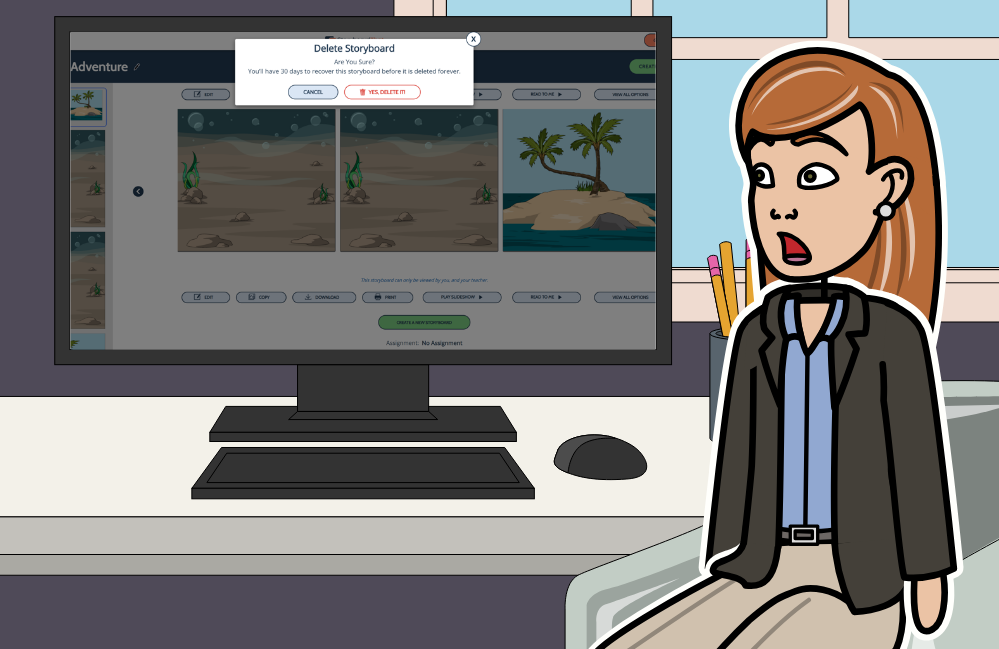
If you accidentally delete a storyboard that you did not mean to, there is a way to recover this.
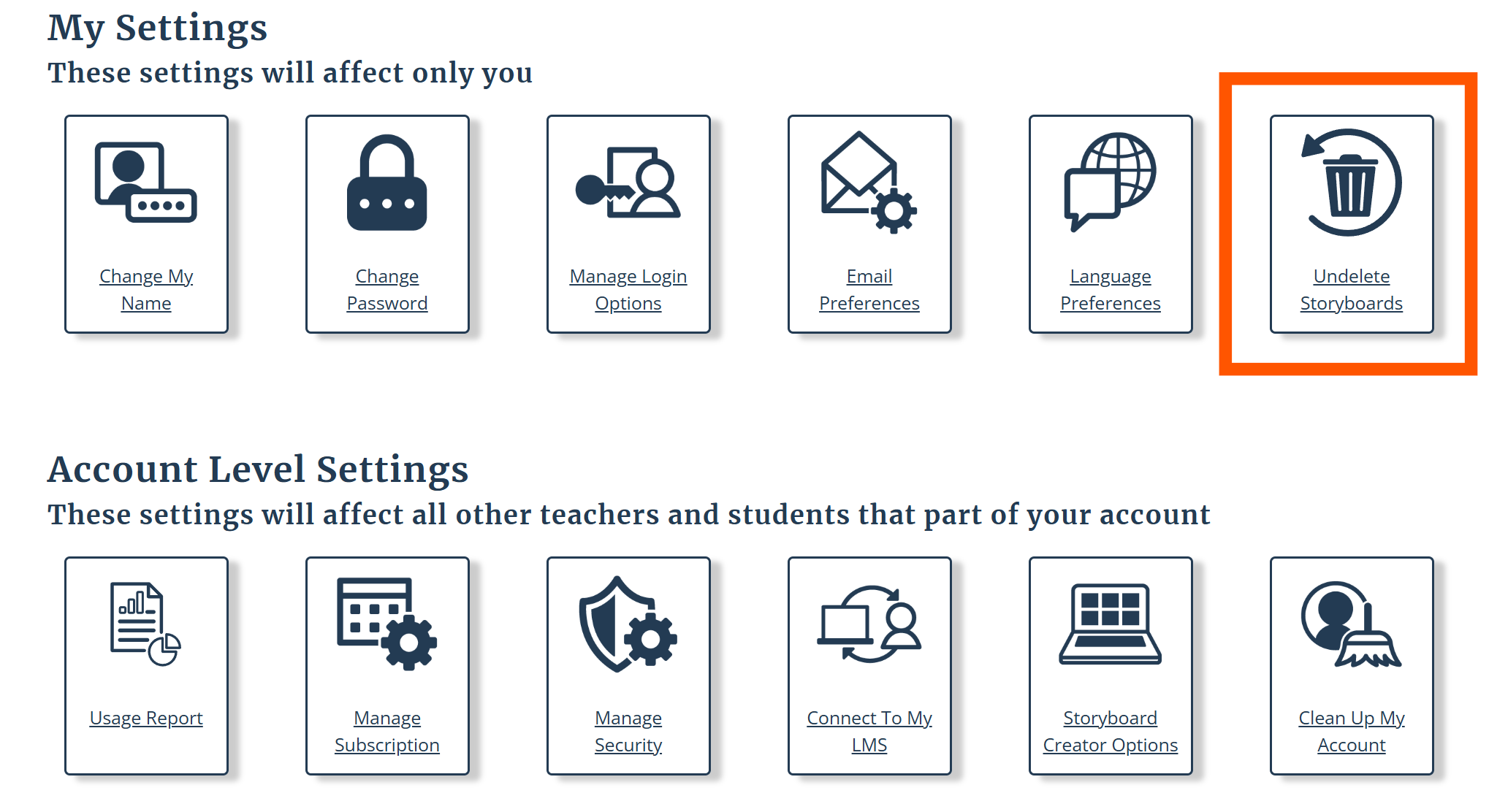
- Go to Settings
- Click Undelete Storyboards
- Deleted storyboards will be found here.
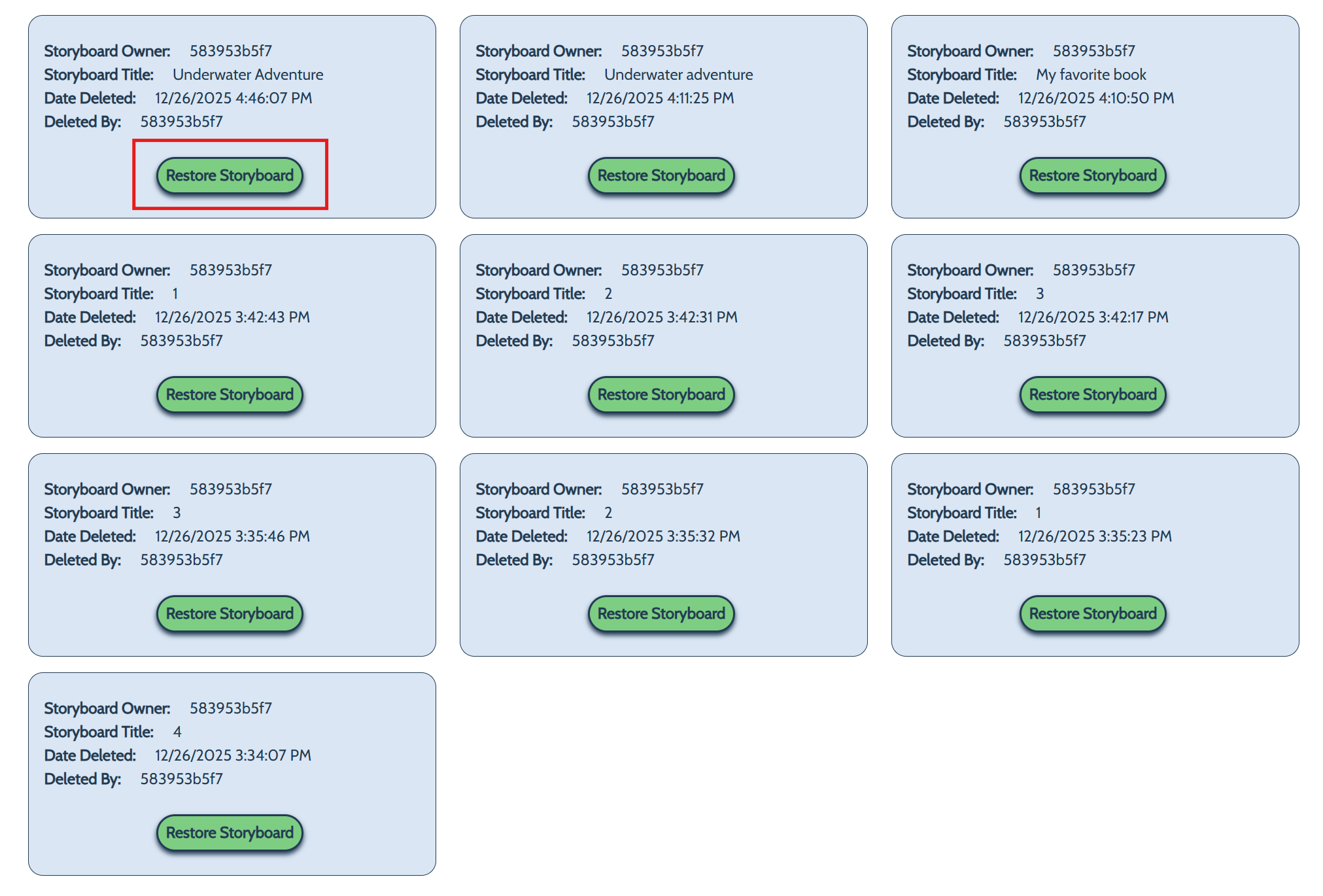
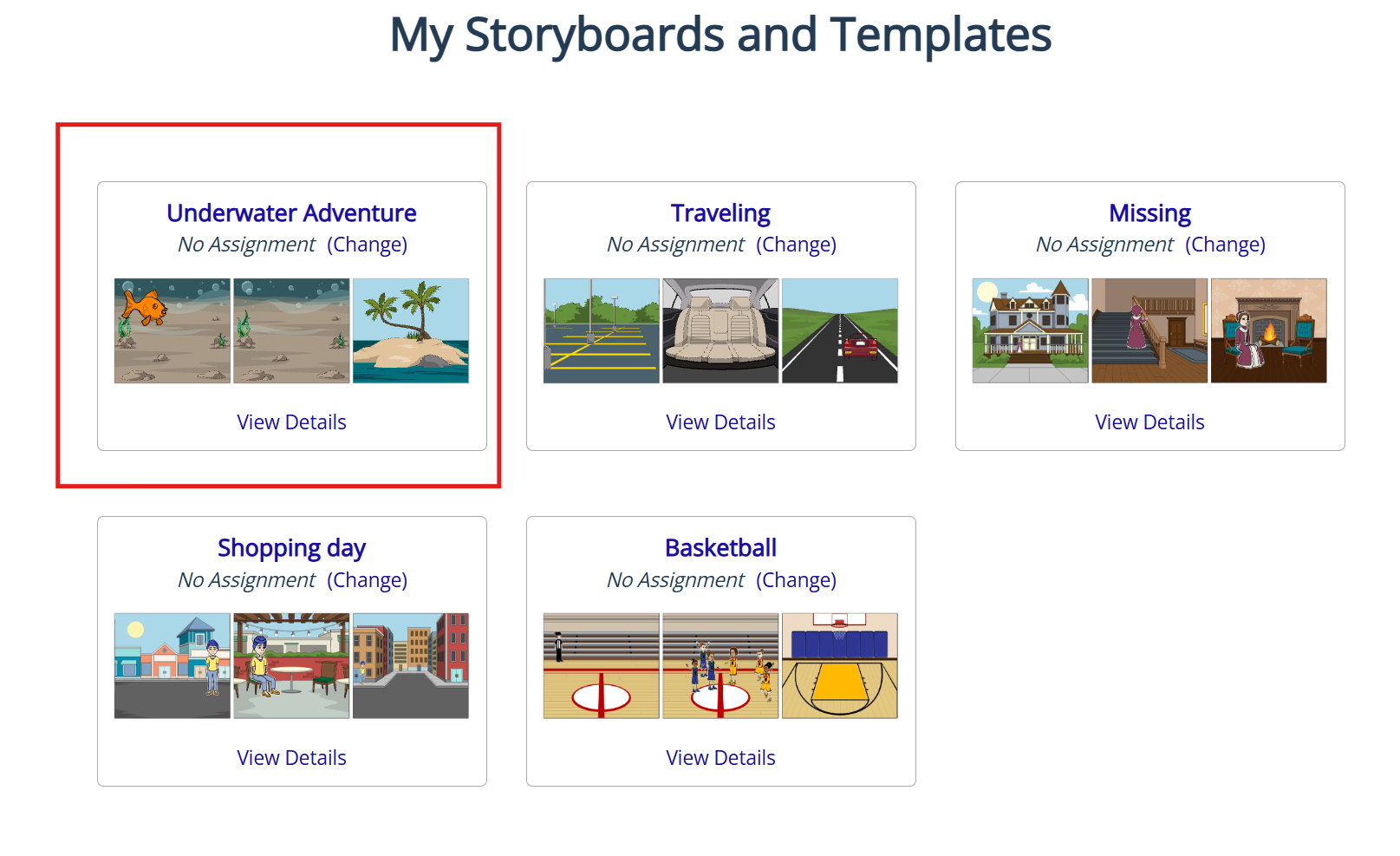
- Click restore. The storyboard you clicked should no longer be available to delete.
- It can be found back in your storyboards!
How did we do?
How Do I Delete a Storyboard?
What are the Software Requirements?
